 Renew Before It Lapses
Look up
Looking up a domain: WHOIS, RDAP and privacy
Last reviewed
The short version
- A lookup shows the public record for a domain.
- WHOIS is the older way to look it up. RDAP is the newer one.
- The record includes the dates and status words you need.
- A privacy service can hide your contact details. It doesn't hide the dates.
What a lookup is
Every registered domain has a public record. A lookup lets anyone read it. For years the tool for that was WHOIS, a way to ask databases who a name is registered to.[1]
RDAP is the newer tool. It was made to replace WHOIS.[2] The IETF, the group that writes internet standards, developed it.[2] The standard itself calls RDAP a successor to the "very old" WHOIS protocol.[3]
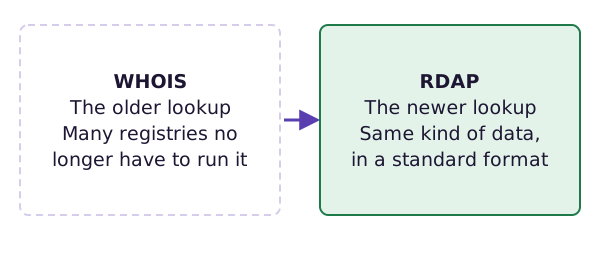
RDAP gives WHOIS-like data in a standard format.[2] And WHOIS is on its way out. Since 28 January 2025, most generic-name registries and registrars no longer have to run it.[2] Three endings are still covered: .com, .name and .post.[2]
You don't need to learn either protocol. You use a web page that does the lookup for you.
Try a lookup
ICANN runs a free lookup page. Type a name in the box, press Lookup, and it shows the record. The page says it uses RDAP, the newer tool.
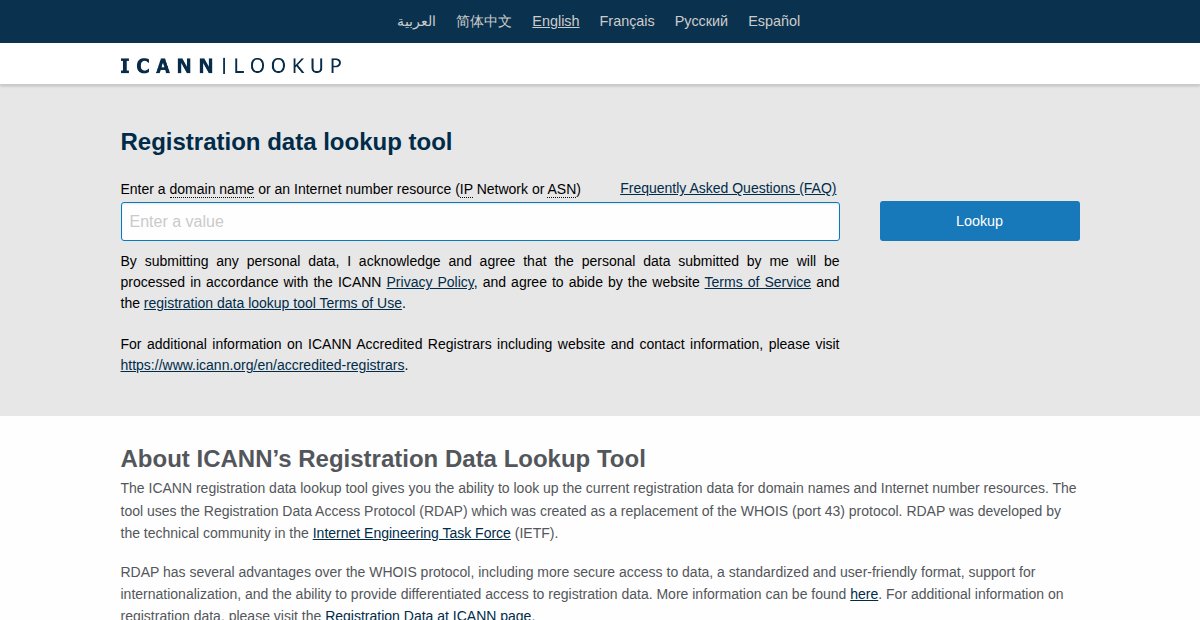
What should you look for?
- The dates. Look for the expiry date. It tells you when to renew.
- The status words. They say whether the name is locked, or in trouble. ICANN's guide says you can see a domain's status codes in a lookup.[4] The locks page explains the common ones.
- The registrar. That's who to call.
A lookup is also a good check on your own name. If the registrant or the email is wrong, now you know. ICANN expects registrants to keep the details accurate and to update them promptly.[5]
What a privacy service does
Not everyone wants their name, email and phone number on a public record. So some registrars offer private registration, also called domain privacy. The record then shows the registrar's contact details instead of yours.[1]
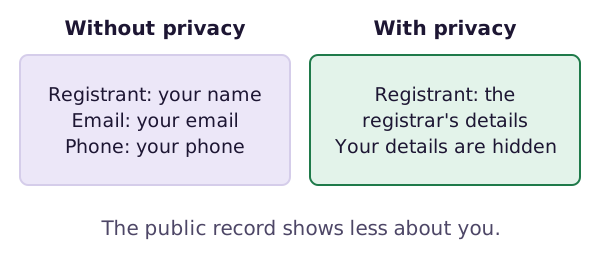
That's a fair choice for a person. Just know the limits.
- It hides your contact details. The dates and status words are still visible.
- If your registrar closes, a privacy-protected owner may have difficulty regaining control of the name.[1]
So keep your own records. Keep the registrar's emails and your invoices somewhere safe, and note which registrar you use.
What next
A lookup can show a status word that sounds scary. The next page explains the locks that protect a domain, and the words that go with them.
Sources
- WHOIS, Wikipedia (accessed 2026-10-26)
- Registration Data Access Protocol (RDAP), ICANN (accessed 2026-10-26)
- RFC 7480: HTTP Usage in the Registration Data Access Protocol (RDAP), IETF (accessed 2026-10-26)
- EPP Status Codes | What Do They Mean, and Why Should I Know?, ICANN (accessed 2026-10-26)
- Registrants' Benefits and Responsibilities, ICANN (accessed 2026-10-26)